

 MR Forms
MR Forms
Build smart forms with AI
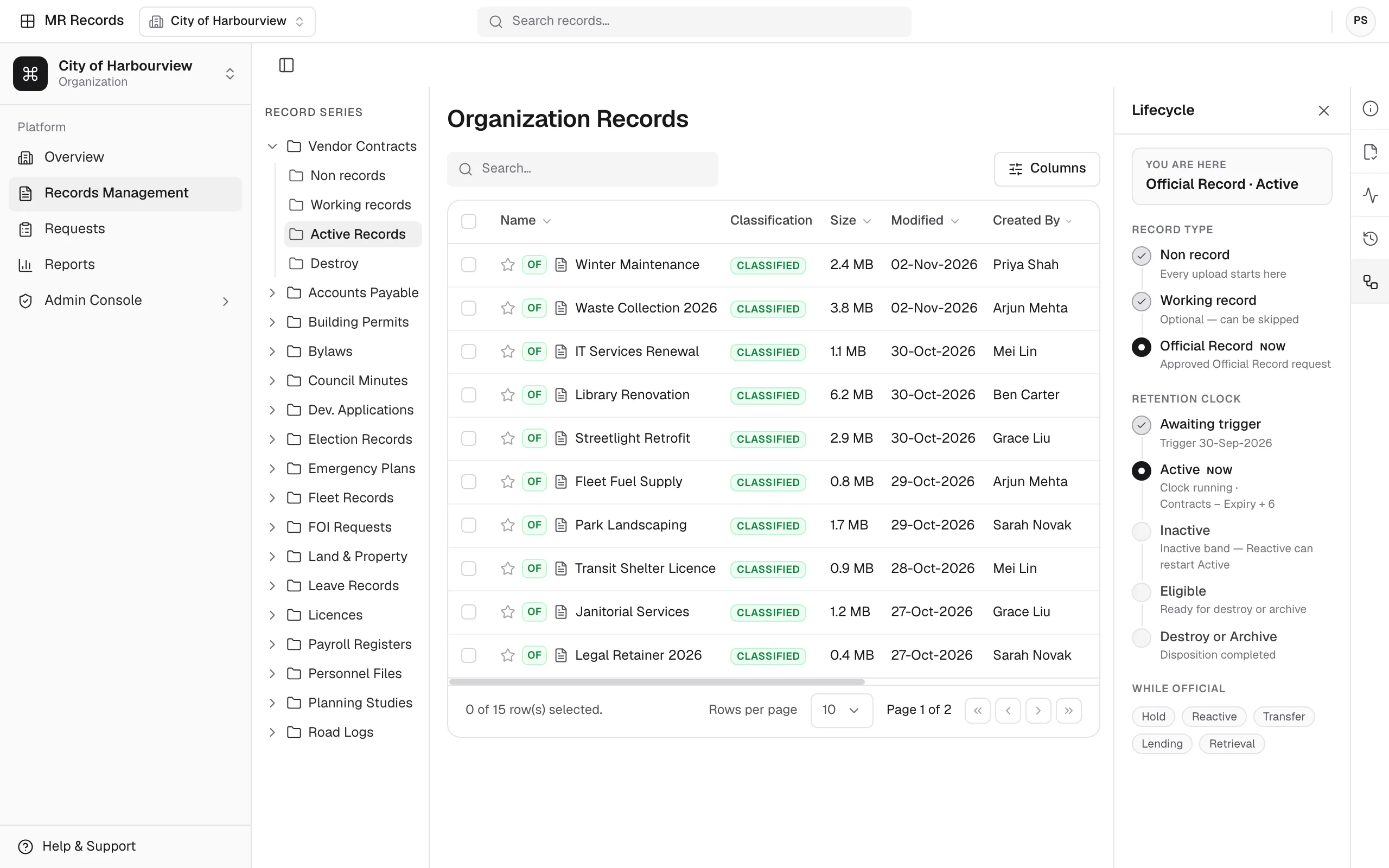
Build forms with a drag-and-drop builder, conditional logic and AI generation, and route each submission into MapleRecord with a tracking number.
- AI form generation
- Mobile-responsive
- Records integration
Product screens show sample data.
Also published on maplerecord.com/platform/mr-forms (opens maplerecord.com in a new tab)
Why MR Forms?
Manual form creation. Disconnected data. Slow deployment cycles.
Slow form development
Building forms manually takes hours or days, delaying data collection initiatives.
Disconnected data systems
Form data scattered across platforms creates integration challenges.
Compliance complexity
Making sure forms meet regulatory requirements takes expertise and oversight.
How it operates
How MR Forms works
Generate with AI
Describe the form you need in plain English, and AI drafts its fields, validations, and logic for you to review.
Customize and brand
Use the drag-and-drop editor to refine layouts, add conditional logic, and apply your brand's colors and styling.
Deploy anywhere
Publish forms as a web link, embed them on websites, or integrate them into mobile apps. Every form is responsive.
Collect and integrate
Submissions flow into MapleRecord with a tracking number, the form version, audit trails, and secure storage.
Measurable impact
Benefits you can measure
90%
Faster form creation
Up to 90% faster, with AI-powered generation.
80%
Less development time
Reduction in form development and deployment cycles.
100%
Mobile-responsive
Forms that adapt to any device.
65%
Higher completion rates
Improvement in form completion rates with smart design.
Direct records integration — Direct integration with MapleRecord's records management system.
Figures as published on maplerecord.com, MapleRecord's product site.
Product tour
Inside MR Forms
A closer look at the screens form owners work in, from the dashboard to a new form and its submissions.
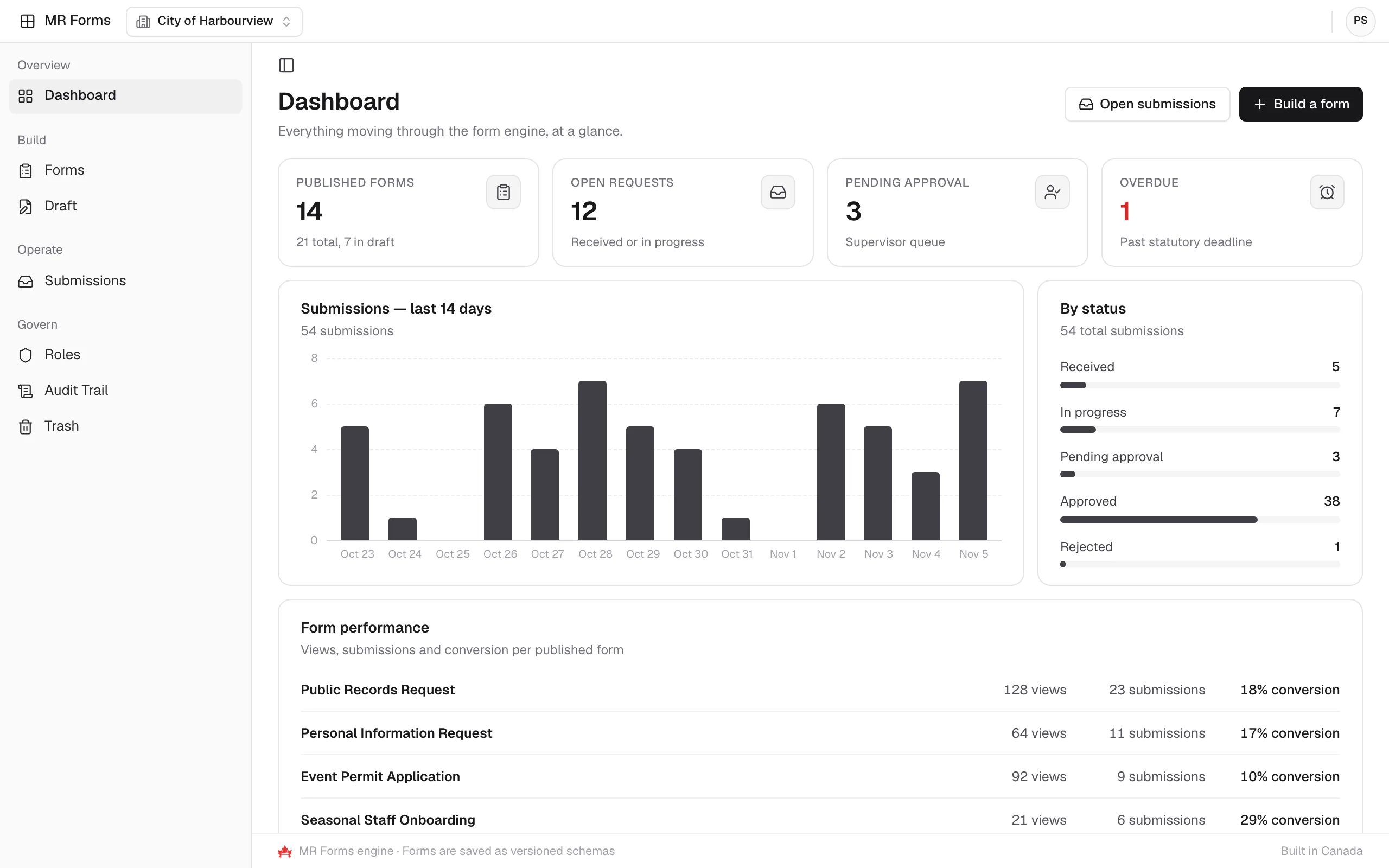
Follow activity on the dashboard
The dashboard counts published forms, open requests, pending approvals and overdue items, charts recent submissions and breaks them down by status, with views and conversion for each form.
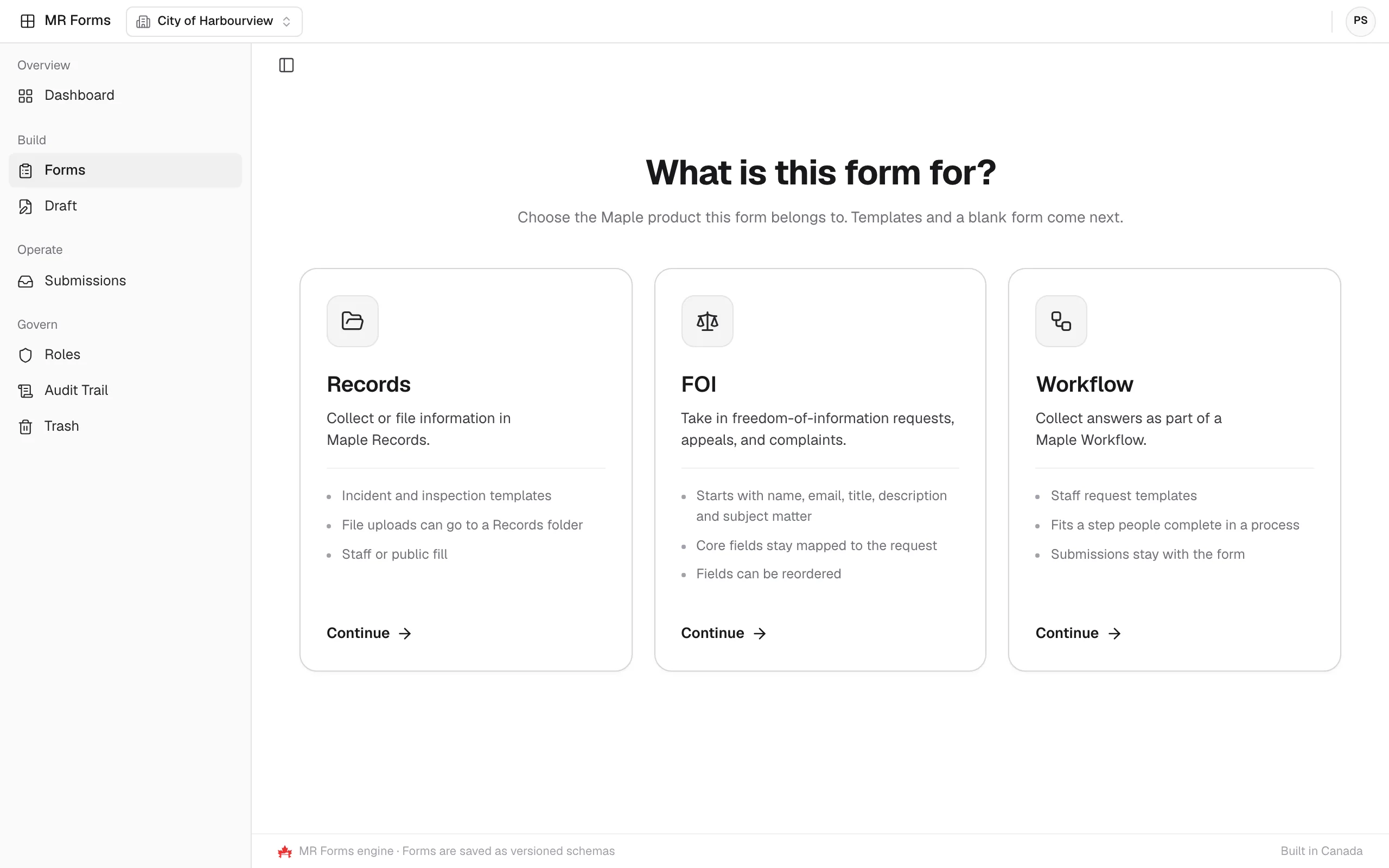
Choose what the form is for
A new form starts with one choice: is it for Records, FOI or Workflow? Templates and a blank form come next.
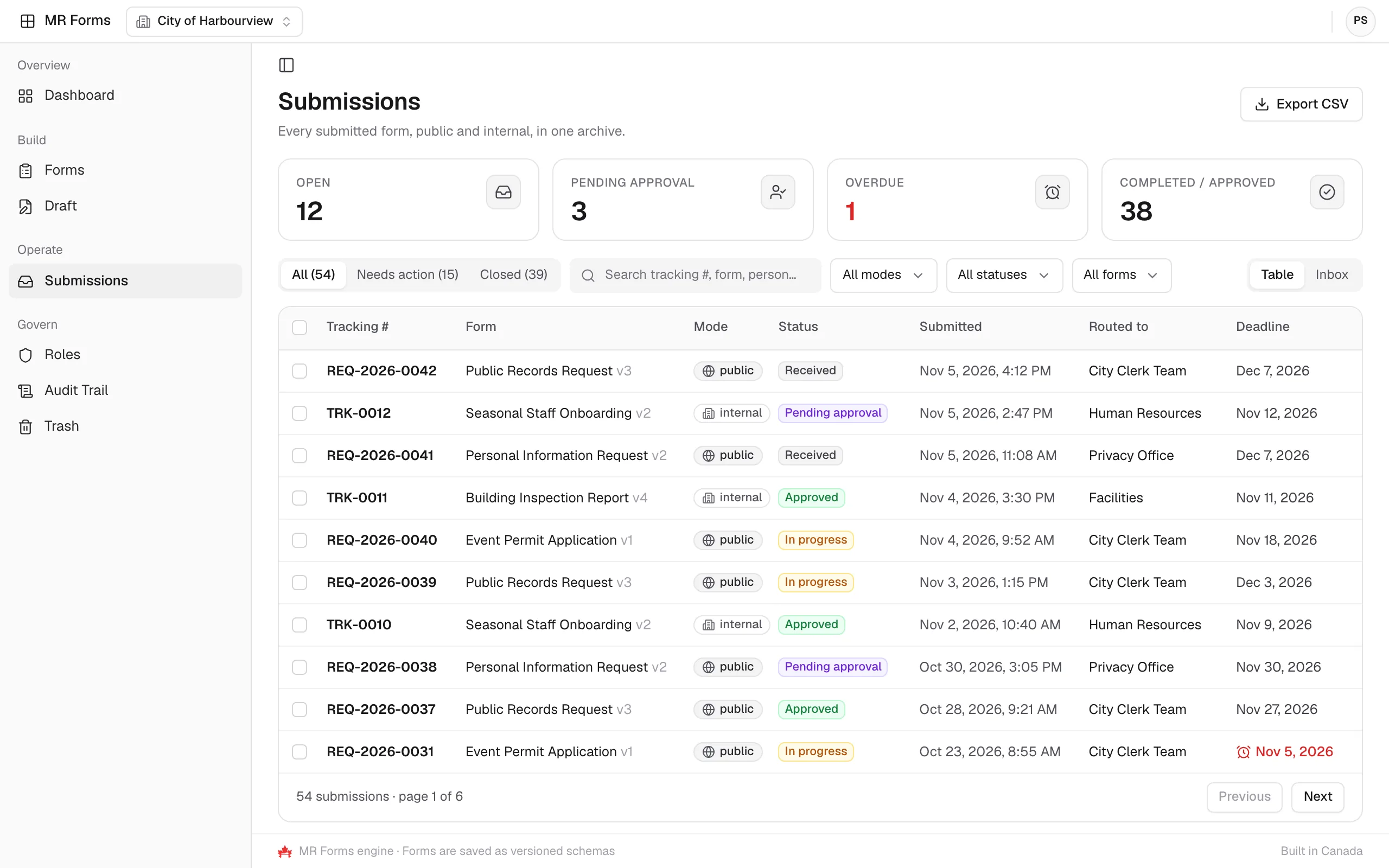
Track every submission
The submissions archive lists each submission’s tracking number, form version, mode, status and routing, with its statutory deadline.
Capabilities
Key capabilities
Drag-and-drop builder
- 100+ field types and widgets
- Real-time preview and editing
- Custom themes and branding
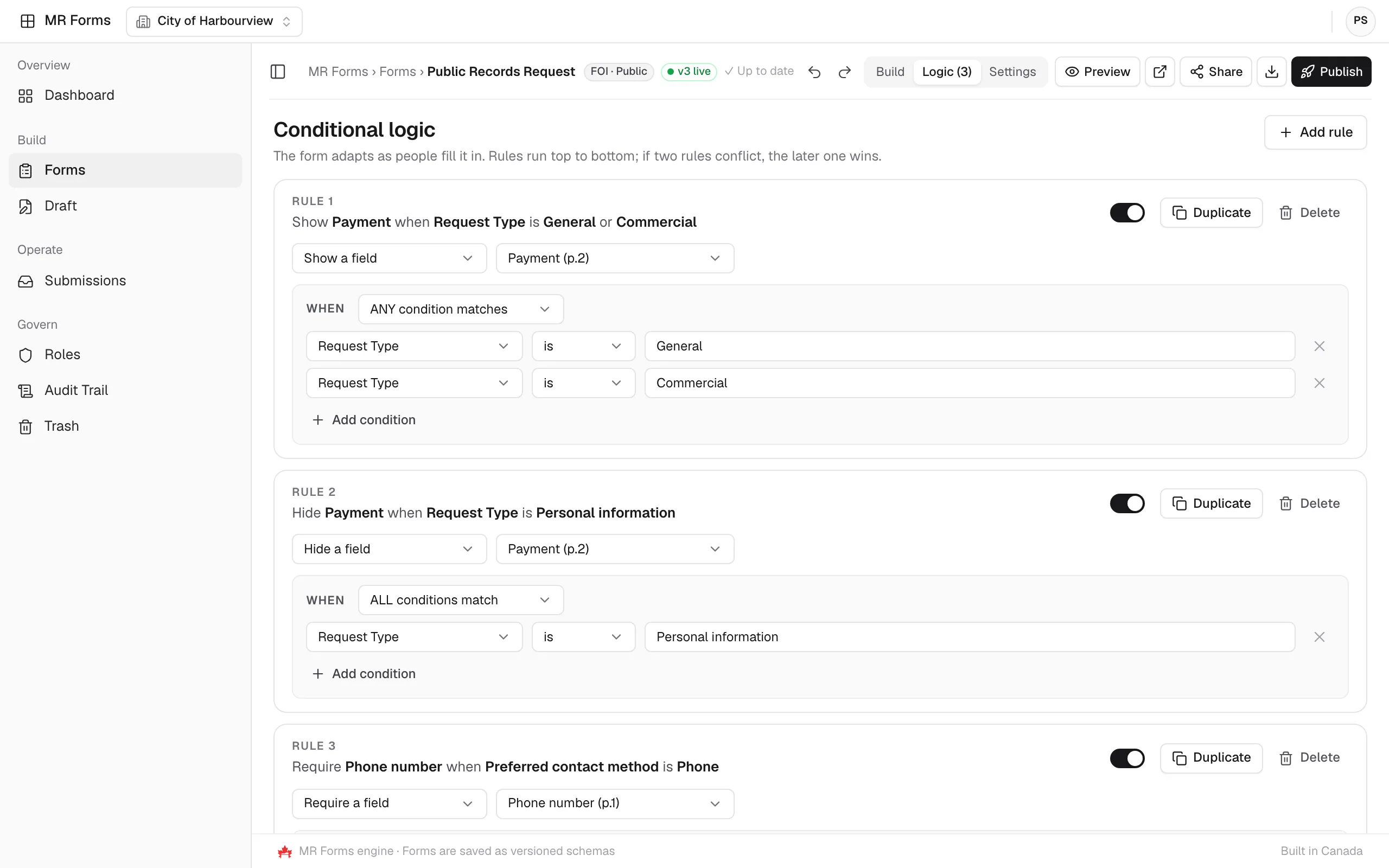
Conditional logic
- Show and hide field rules
- Skip logic and branching
- Dynamic calculated fields
Analytics and insights
- Real-time submission dashboards
- Completion rate tracking
- Export to CSV, Excel or PDF
Security and compliance
- End-to-end encryption
- Designed to support HIPAA and GDPR requirements
- Role-based access control
Use cases
Who it helps
MR Forms supports a wide range of operational teams.
Platform
Explore the other modules
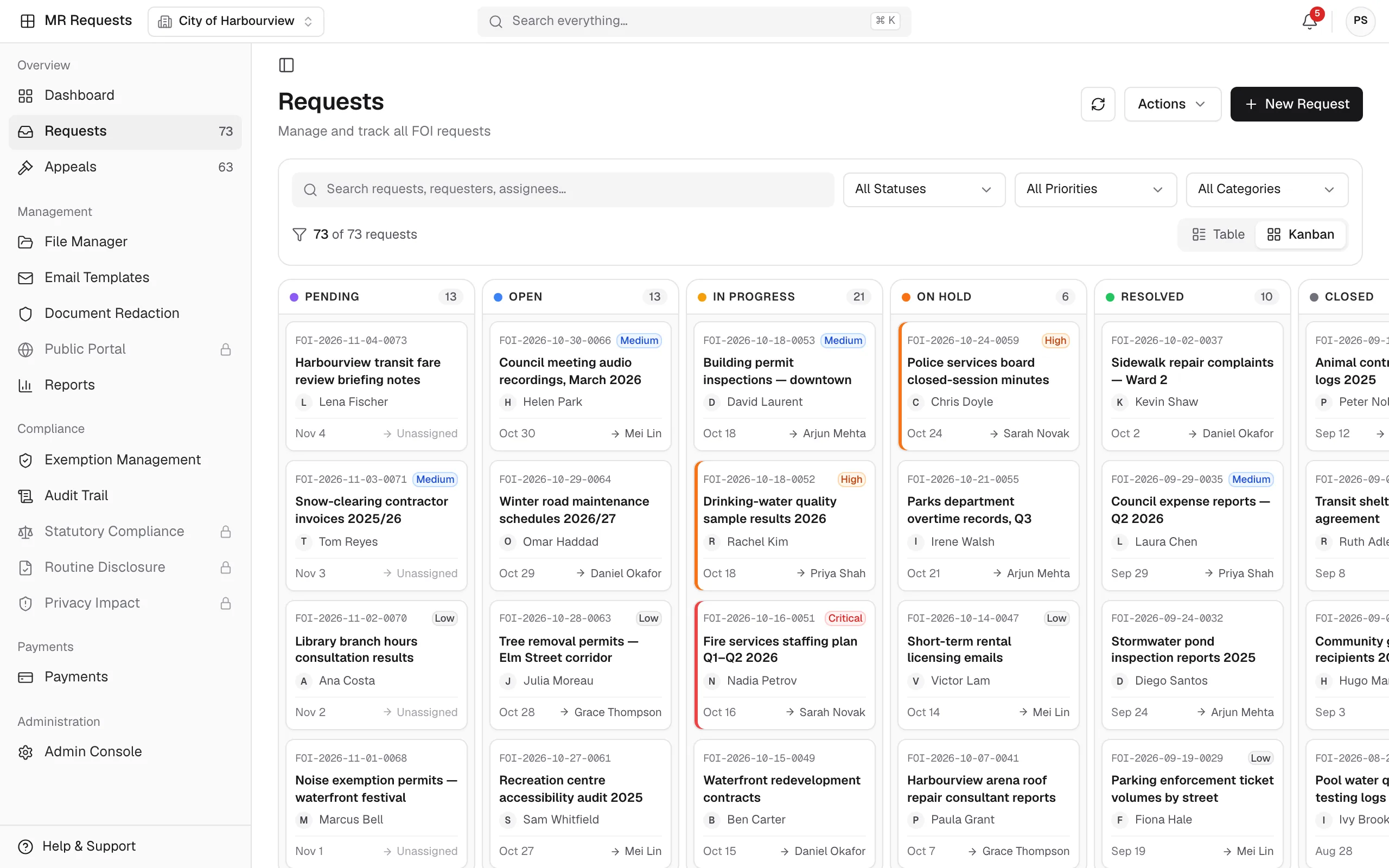
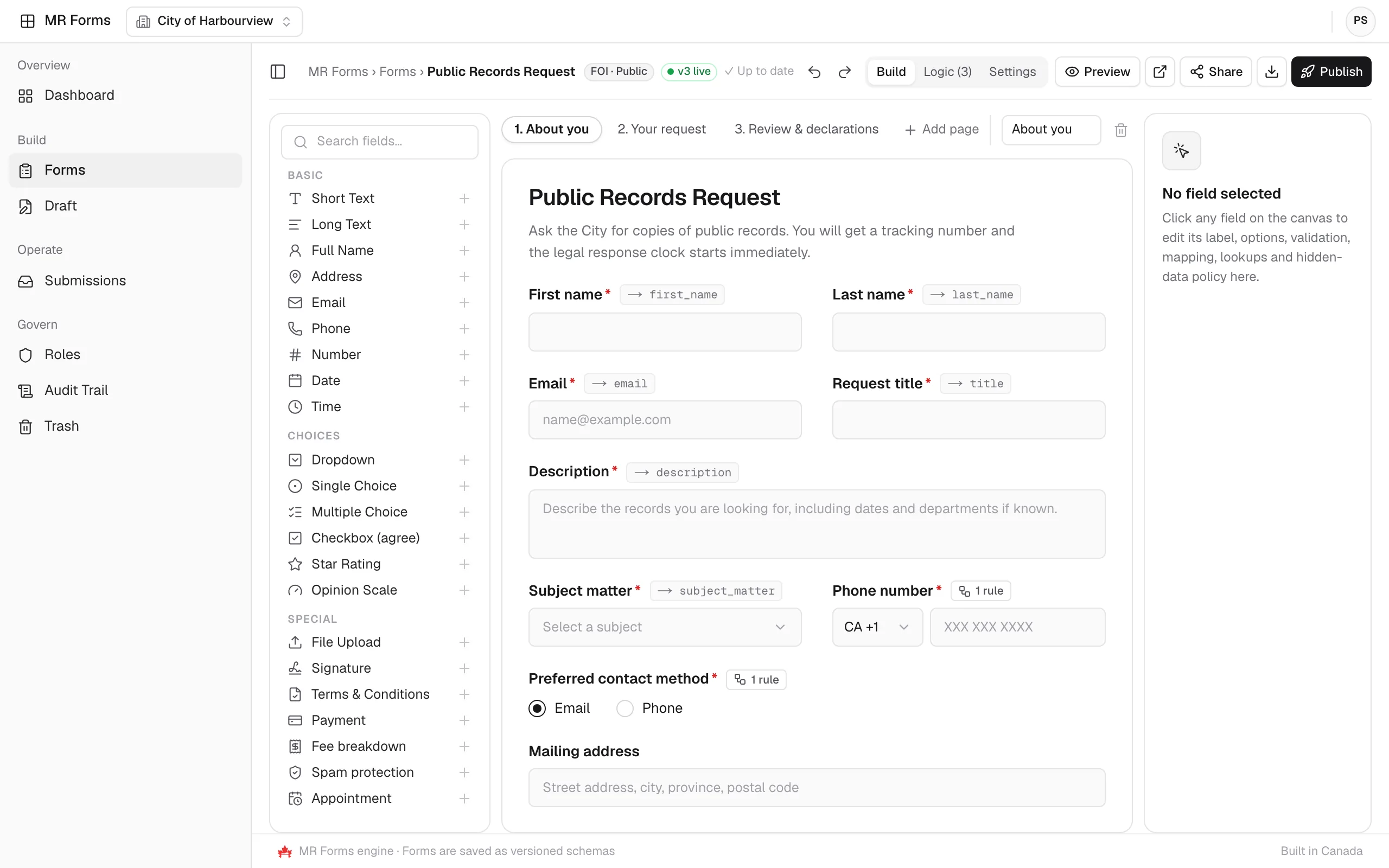
MR Requests
A streamlined system for managing public and internal information requests.
Explore MR Requests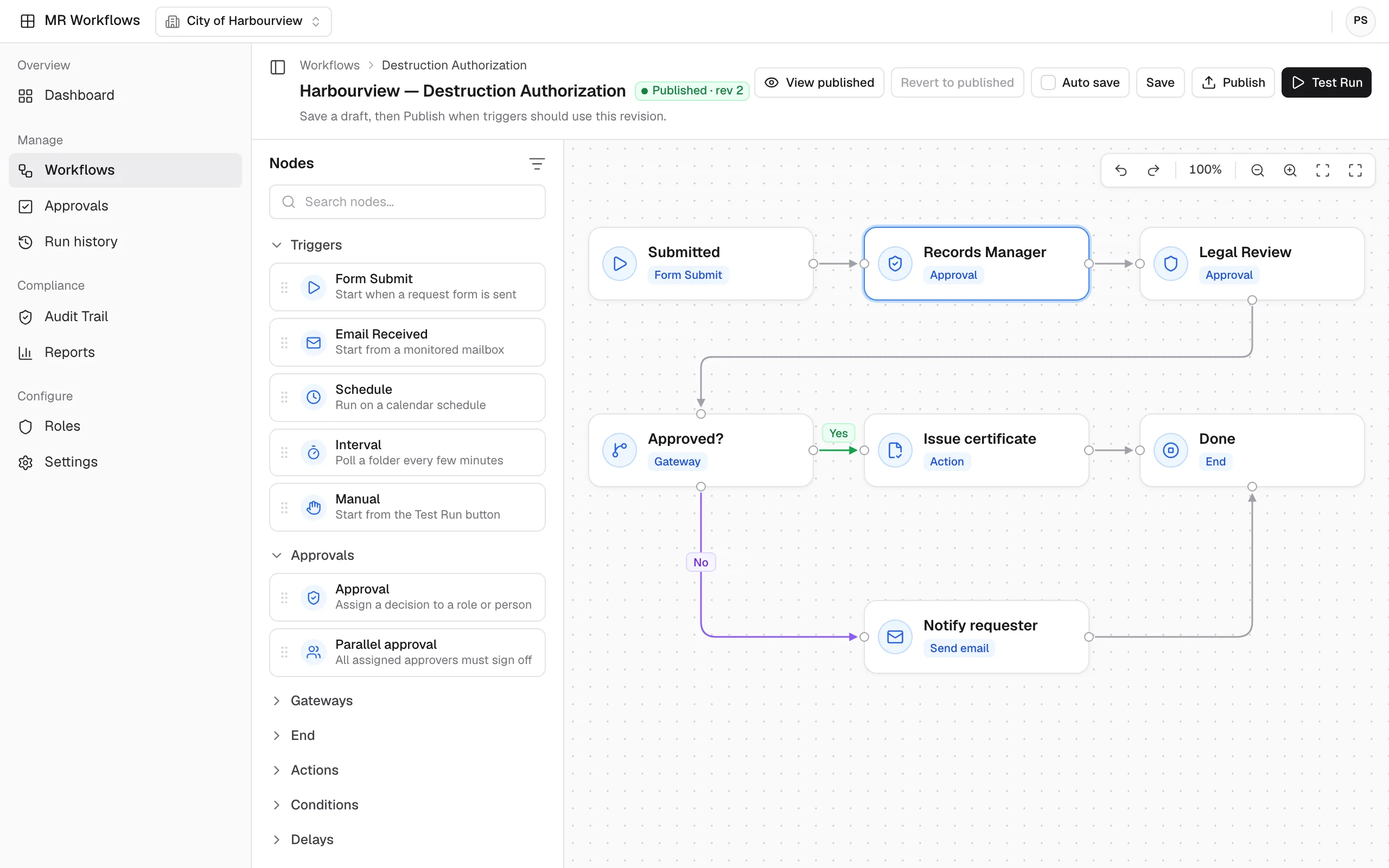
MR Workflows
No-code automation that connects your MapleRecord modules, teams, and data.
Explore MR Workflows
MR Admin
One console for users, licenses, security, integrations and backups across the suite.
Explore MR Admin

Ready to build smarter forms?
Collect information with forms that feed MapleRecord directly, with conditional logic, versioned forms, and role-based access.
Talk to the MapleRecord team
info@maplerecord.com+1 (940) 945-6180MapleRecord is designed and built by Maverick InnoGarage.
Implement MapleRecord with Maverick InnoGarage