

 MR Admin
MR Admin
One console to administer the MapleRecord suite
Manage the staff directory, products and licenses, roles, security policies and integrations that every MapleRecord module shares.
- Staff directory
- Product licensing
- Suite-wide security
Product screens show sample data.
How it operates
How MR Admin works
Enable products
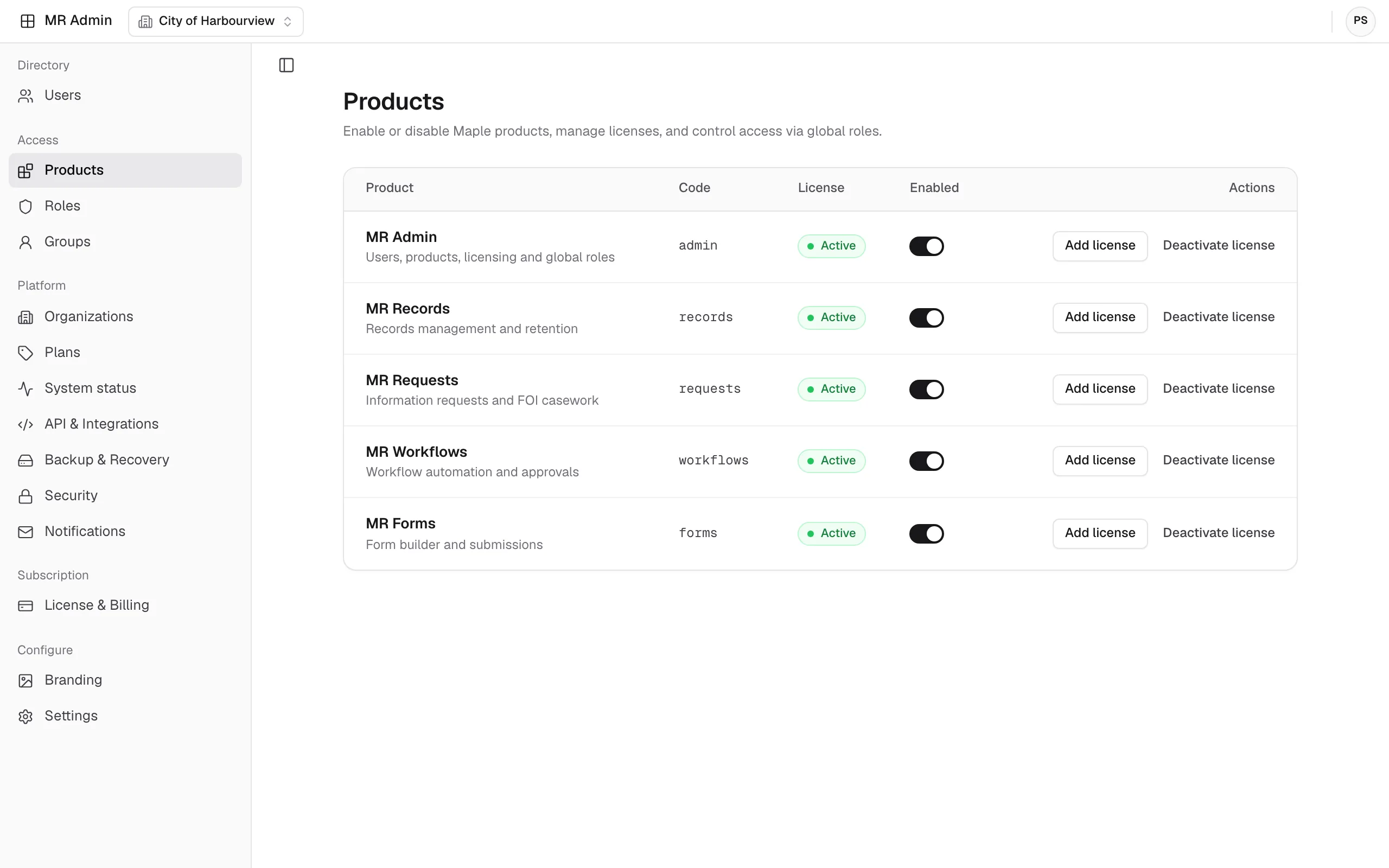
Turn MapleRecord modules on or off for your organization and manage their licenses.
Add people once
Keep one staff directory for every module. Invite users or set their password as an administrator, then assign global roles and groups.
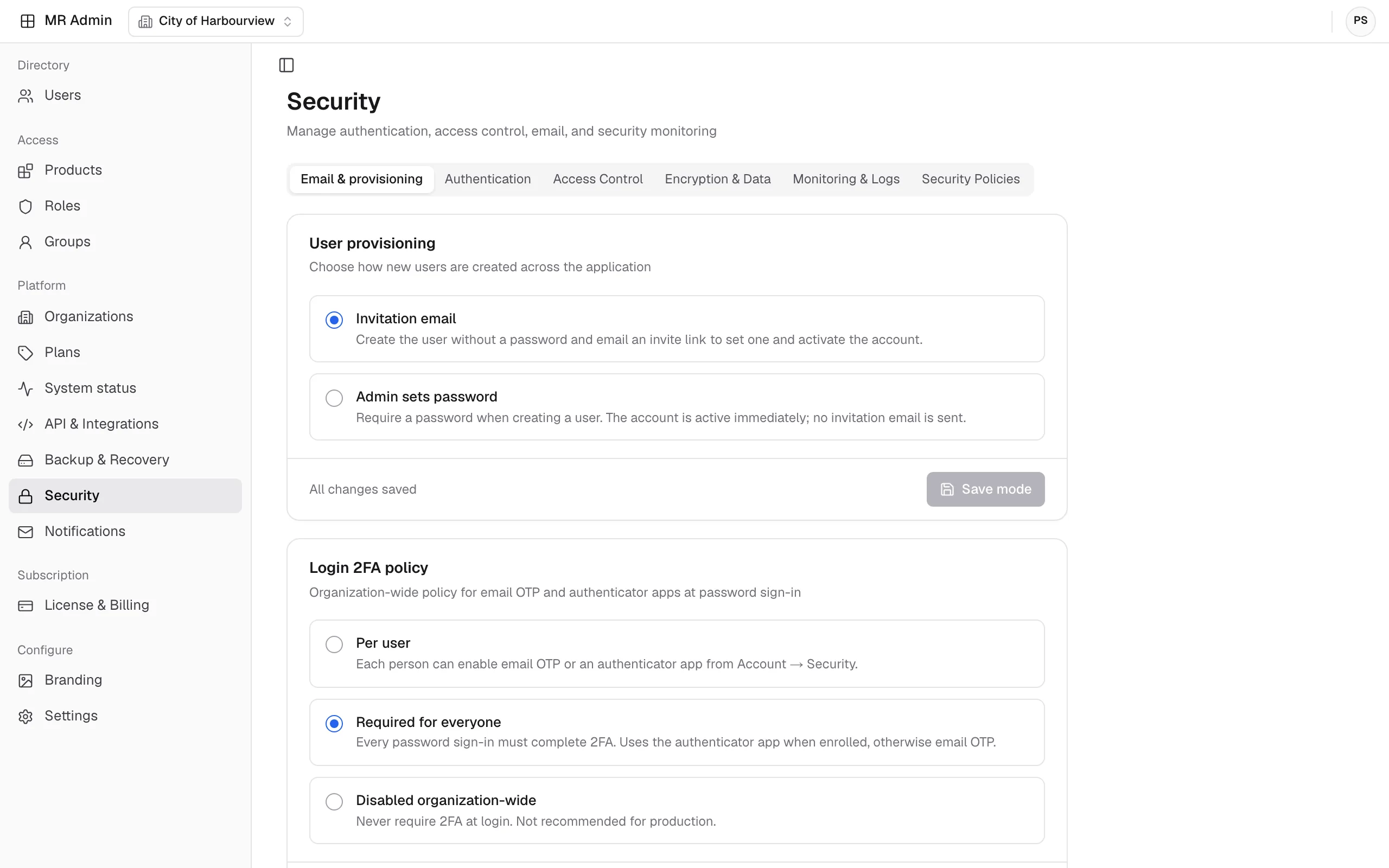
Set security policy
Apply an organization-wide two-factor authentication policy, access control, security policies, and audit logging with a log-retention period.
Connect services
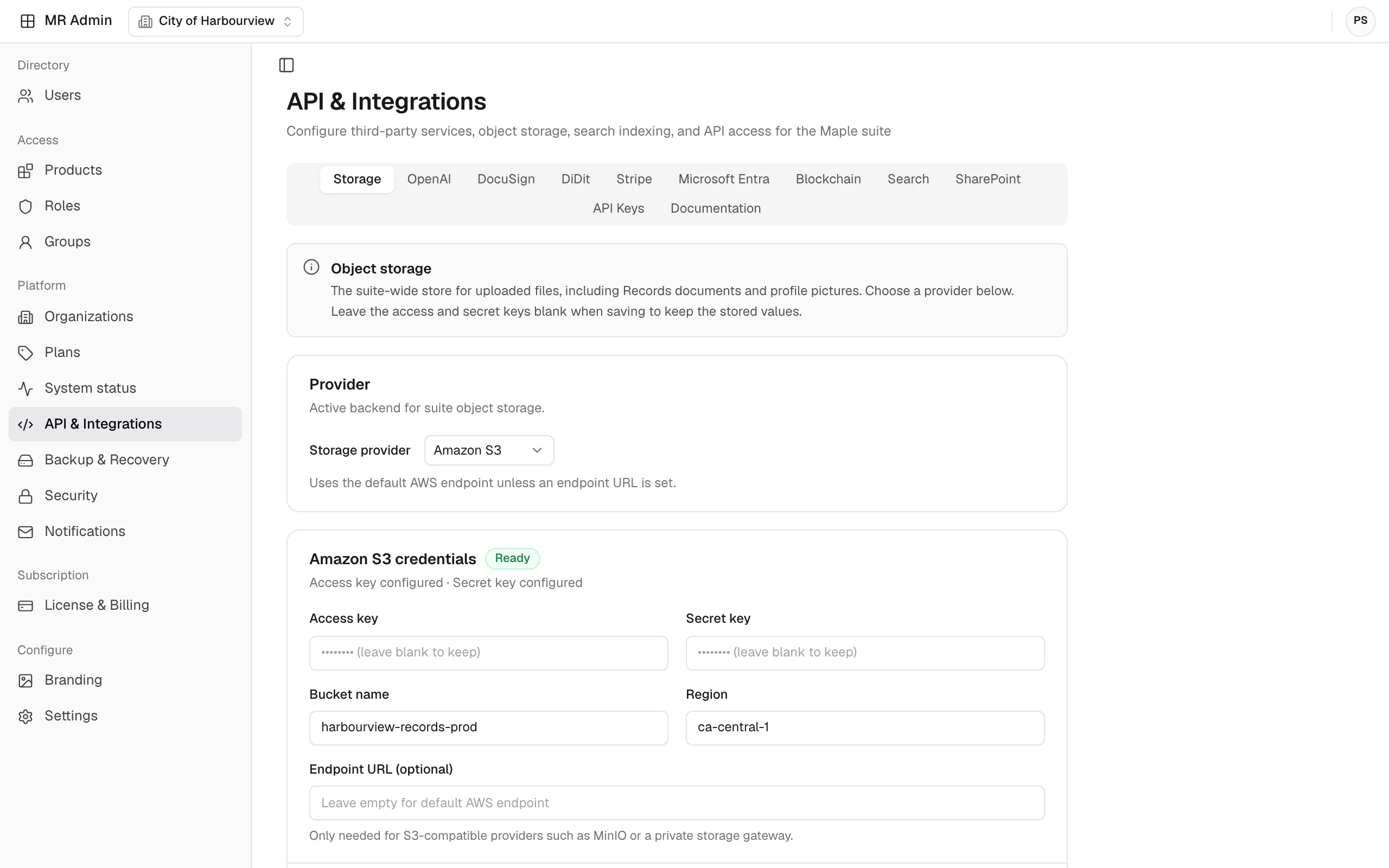
Configure object storage, OpenAI, DocuSign, DiDit, Stripe, Microsoft Entra, blockchain, search, and SharePoint, and manage API keys.
Monitor and back up
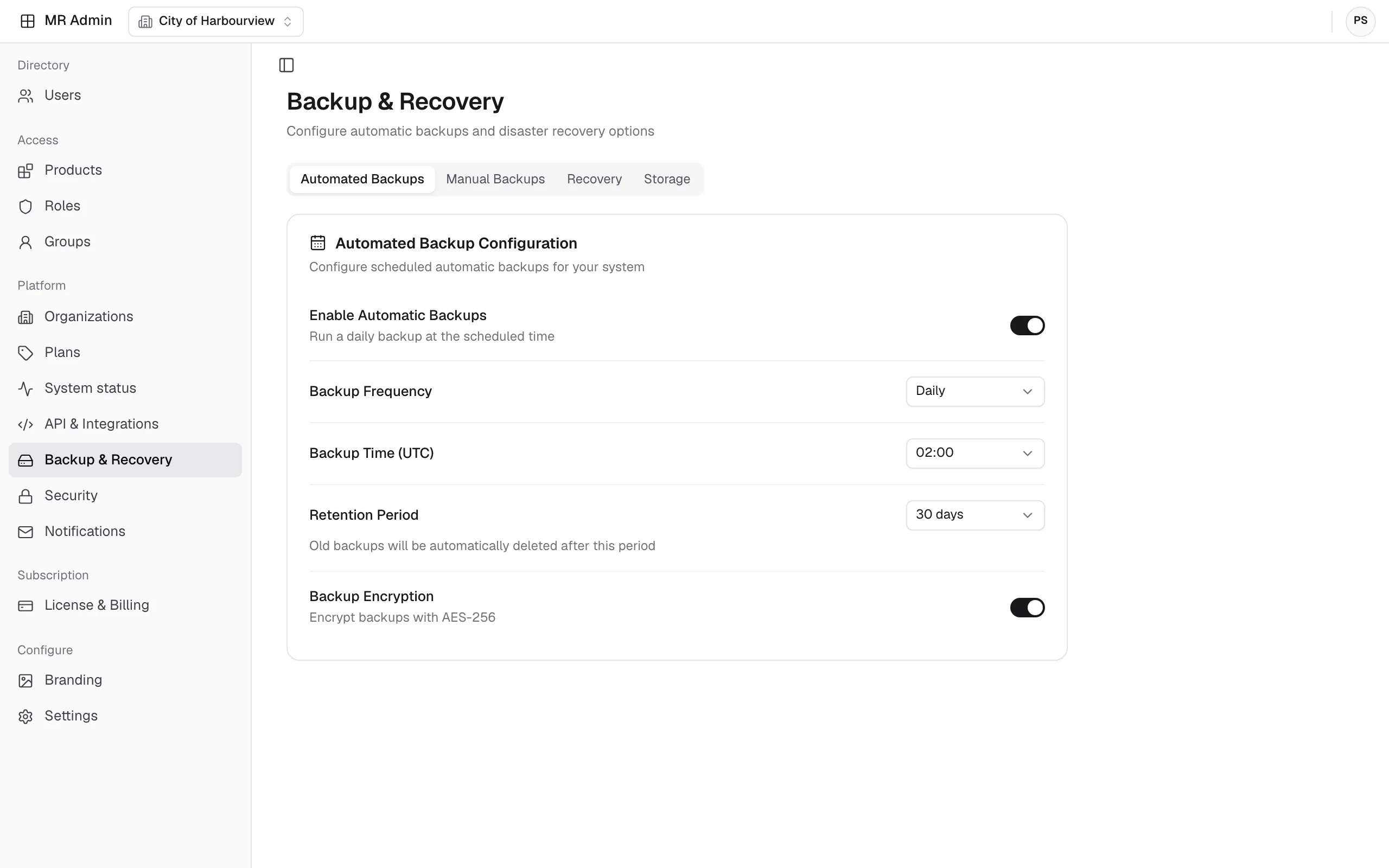
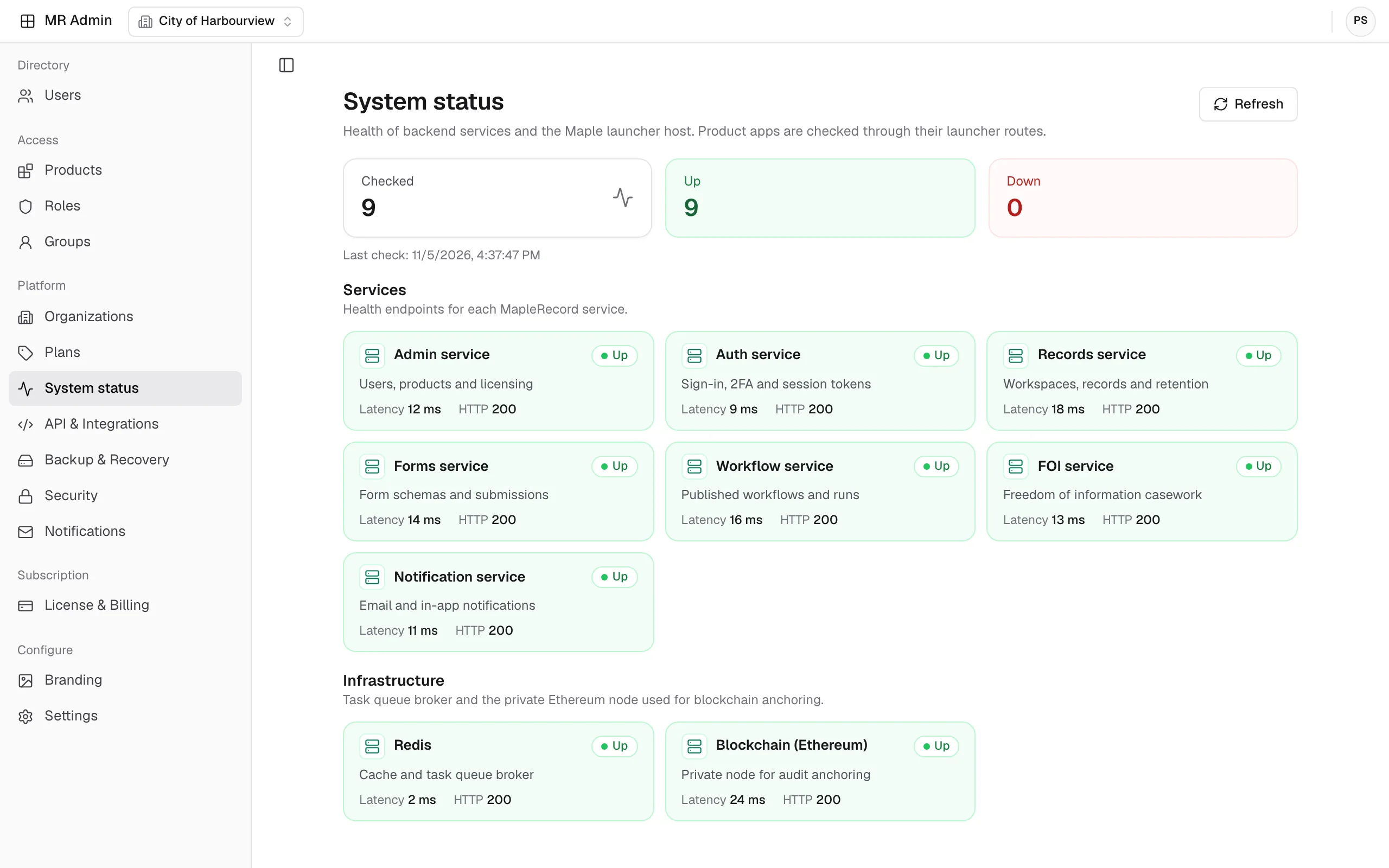
Check the health of every MapleRecord service, and schedule daily backups with a retention period and AES-256 encryption.
Product tour
Inside MR Admin
A closer look at the screens administrators work in, from products and licenses to integrations and backups.
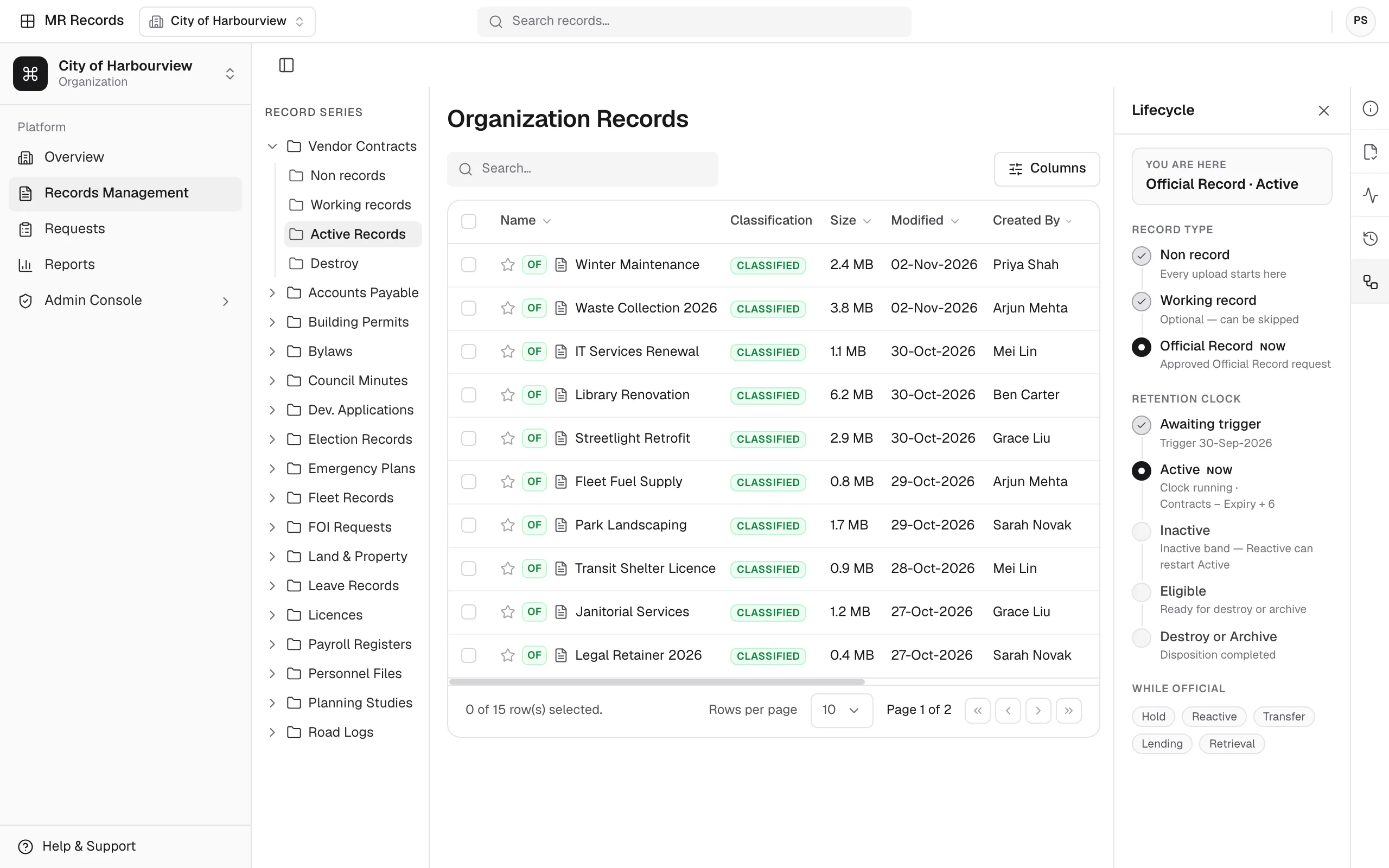
Enable products and licenses
The products table lists each MapleRecord module, from MR Admin to MR Forms, with its code, license status and an Enabled switch, and actions to add or deactivate a license.
Connect external services
Integration settings are grouped in tabs, from object storage, OpenAI, DocuSign, DiDit and Stripe to Microsoft Entra, blockchain, search, SharePoint and API keys.
Schedule backups
Automated backups run on a daily schedule, with a retention period and AES-256 encryption for backup files.
Capabilities
Key capabilities
Users and access
- Staff directory shared by all modules
- Global roles and groups
- Invite users or set an initial password
Products and licensing
- Enable or disable each MapleRecord module
- Module licenses and billing
- Organizations and subscription plans
Security settings
- Organization-wide two-factor authentication policy
- Access control, encryption and data settings
- Monitoring, logs and security policies
- Audit logging with a log-retention period
API and integrations
- Object storage (S3), search and SharePoint
- OpenAI, DocuSign, DiDit and Stripe
- Microsoft Entra and blockchain
- API keys
Backup and recovery
- Scheduled daily backups
- Backup retention period
- AES-256 backup encryption
System and suite settings
- Health status of every MapleRecord service
- Notifications
- Organization logo, used on warehouse print labels
- Suite timezone and language
Platform
Explore the other modules
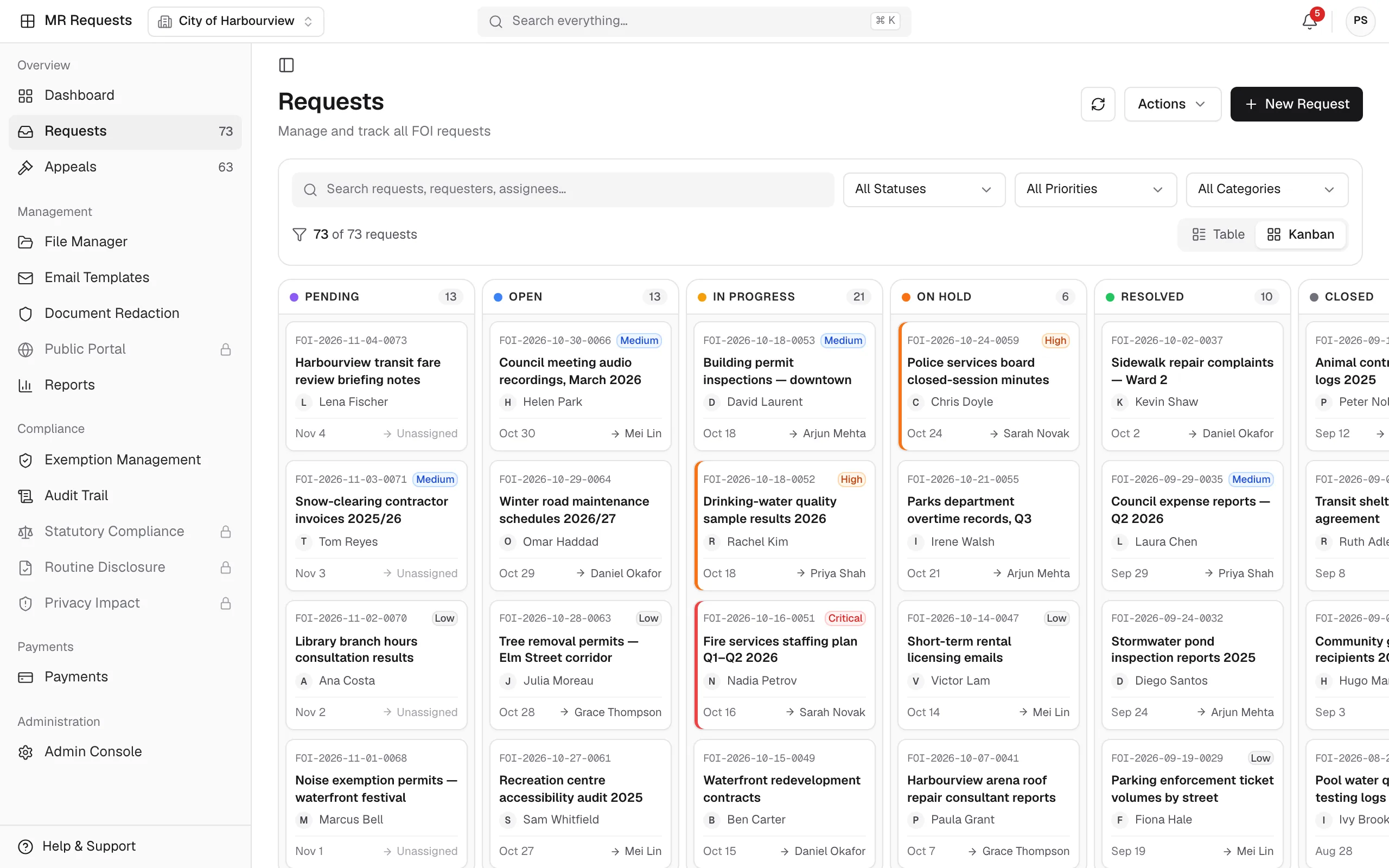
MR Requests
A streamlined system for managing public and internal information requests.
Explore MR Requests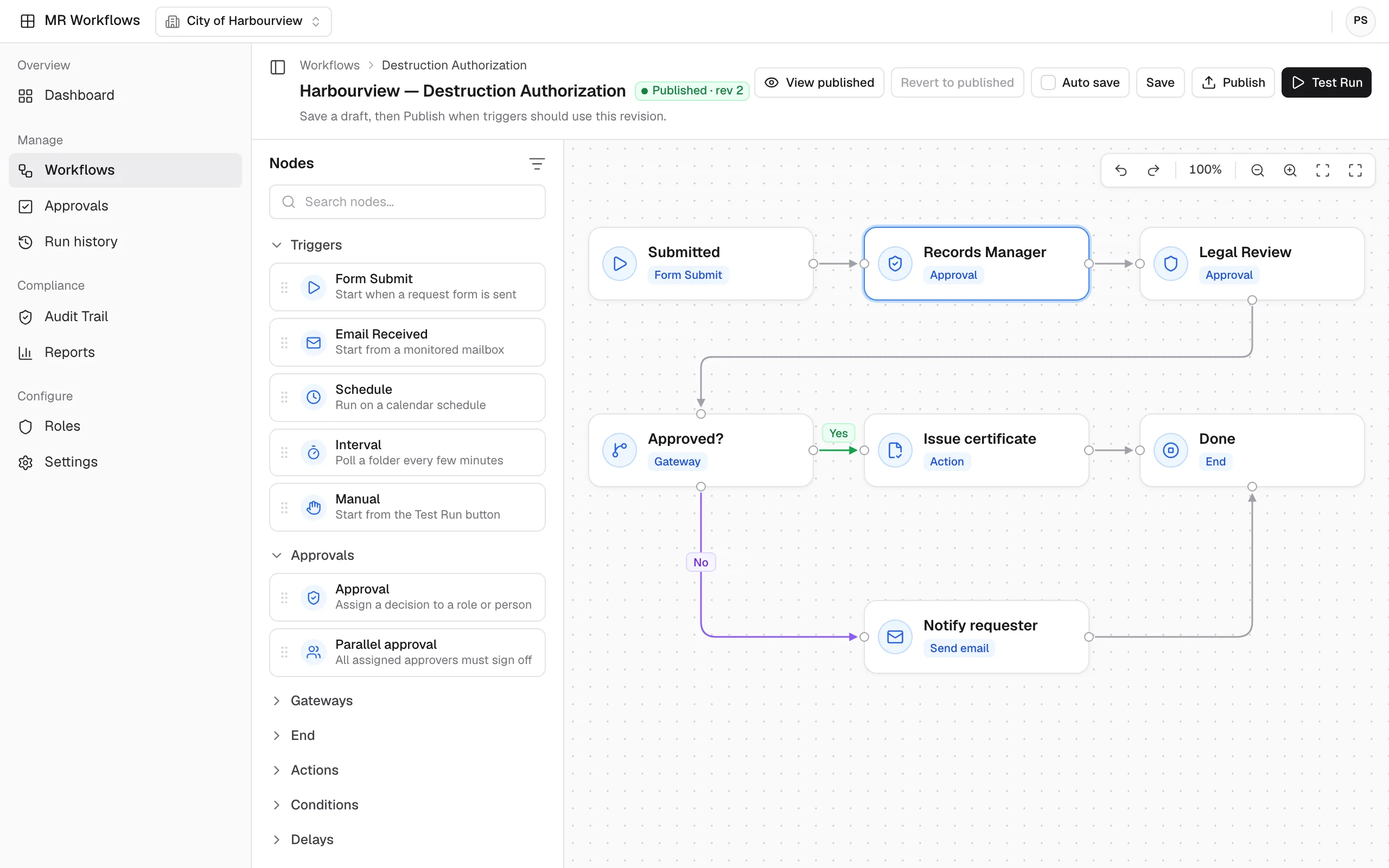
MR Workflows
No-code automation that connects your MapleRecord modules, teams, and data.
Explore MR Workflows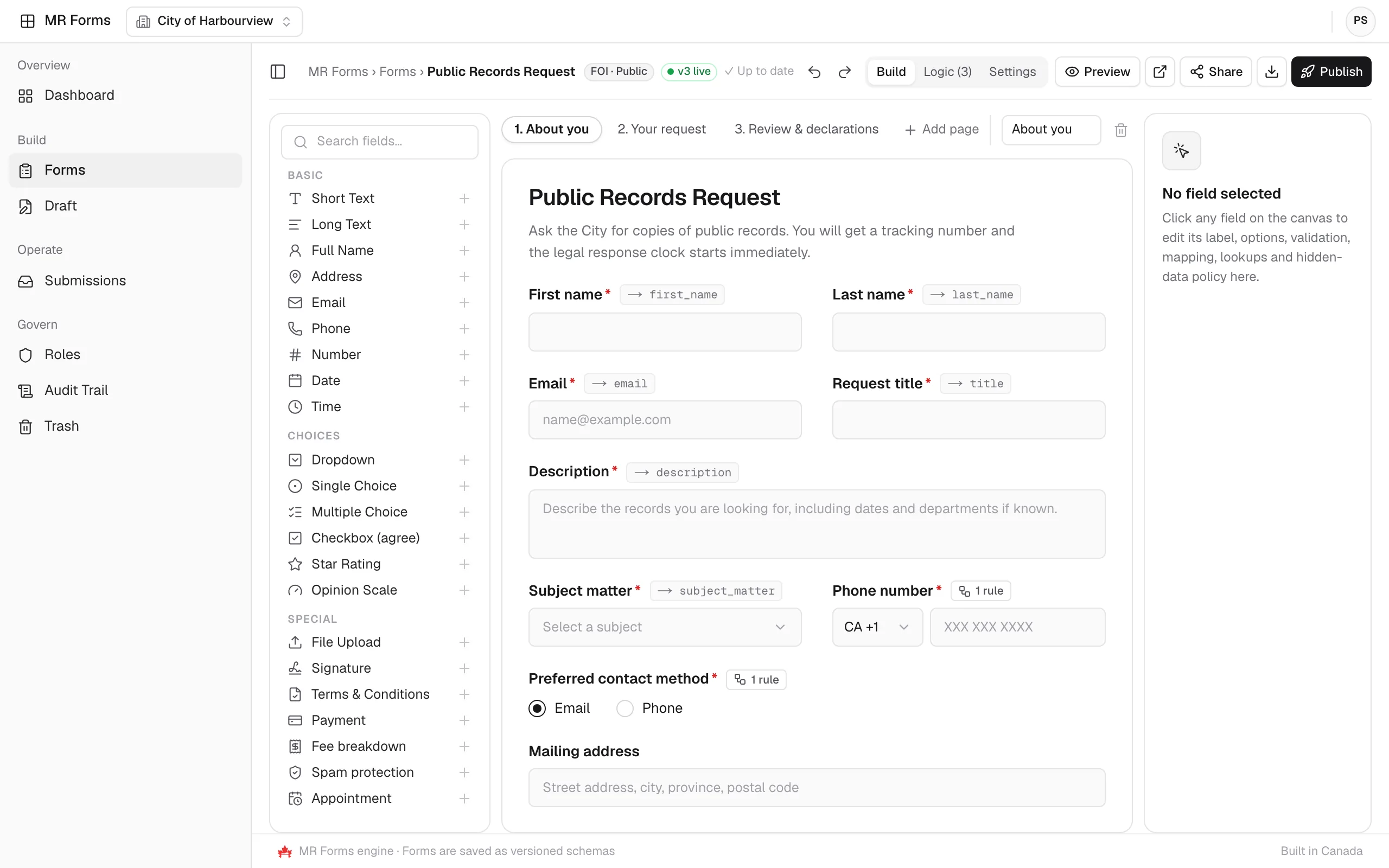
MR Forms
Drag-and-drop or AI-generated forms that send submissions straight into MapleRecord.
Explore MR Forms

See MR Admin with the rest of the suite
Schedule a demo with the MapleRecord team to see how MR Admin manages users, products, security, and integrations for every module.
Talk to the MapleRecord team
info@maplerecord.com+1 (940) 945-6180MapleRecord is designed and built by Maverick InnoGarage.
Implement MapleRecord with Maverick InnoGarage